
Sit back.Your lineup has the remote.
Like RedZone, but built from your roster.
RosterRadar watches every game your fantasy players are in and switches your TV to the one that matters.
Works on 
Free beta · v
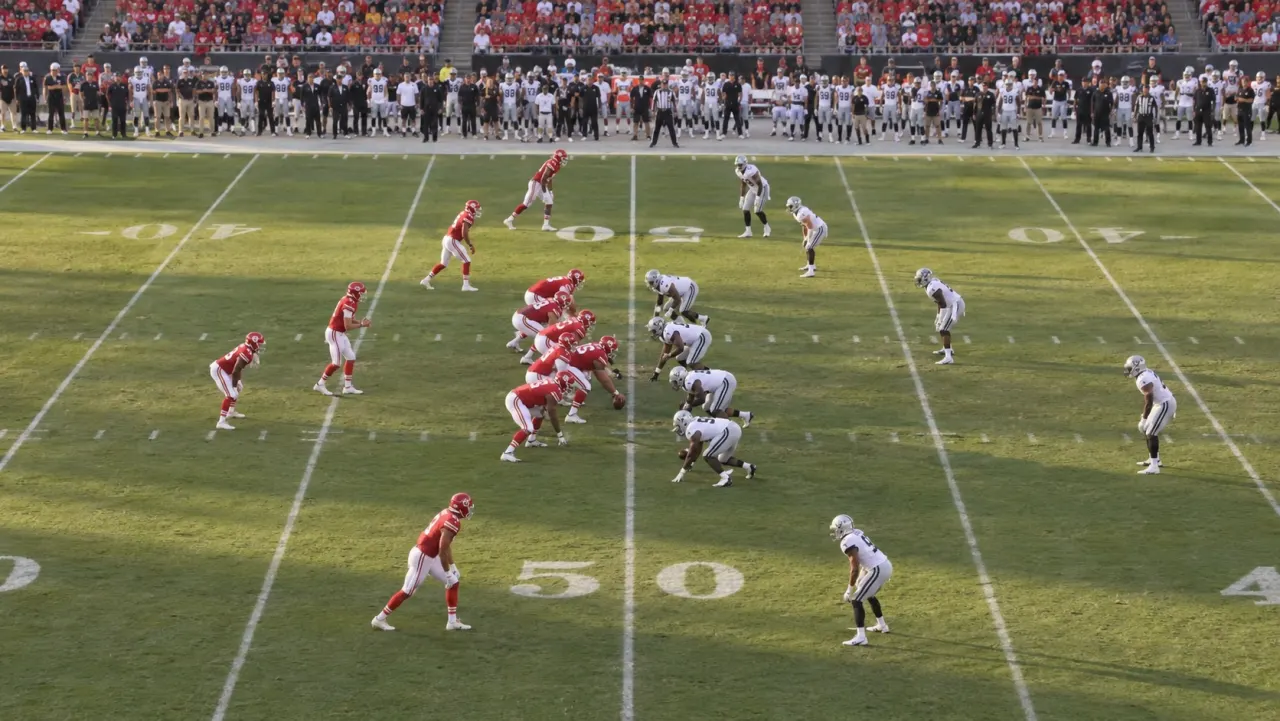


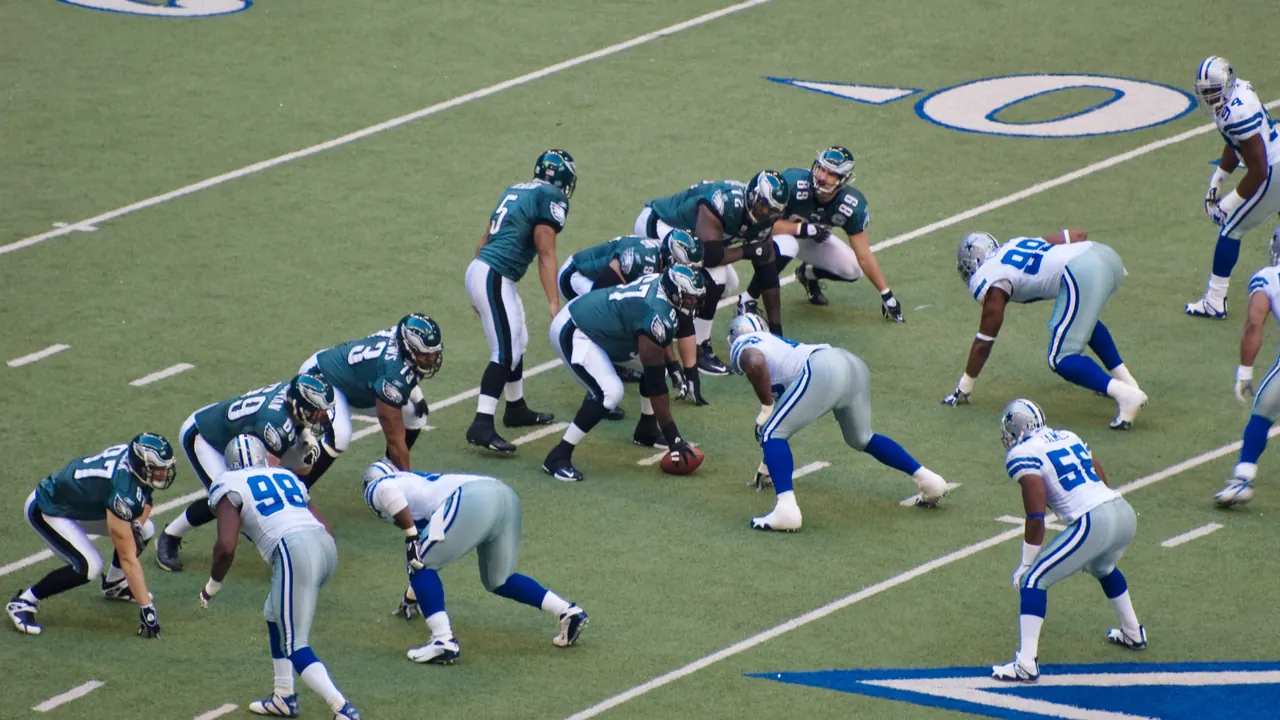


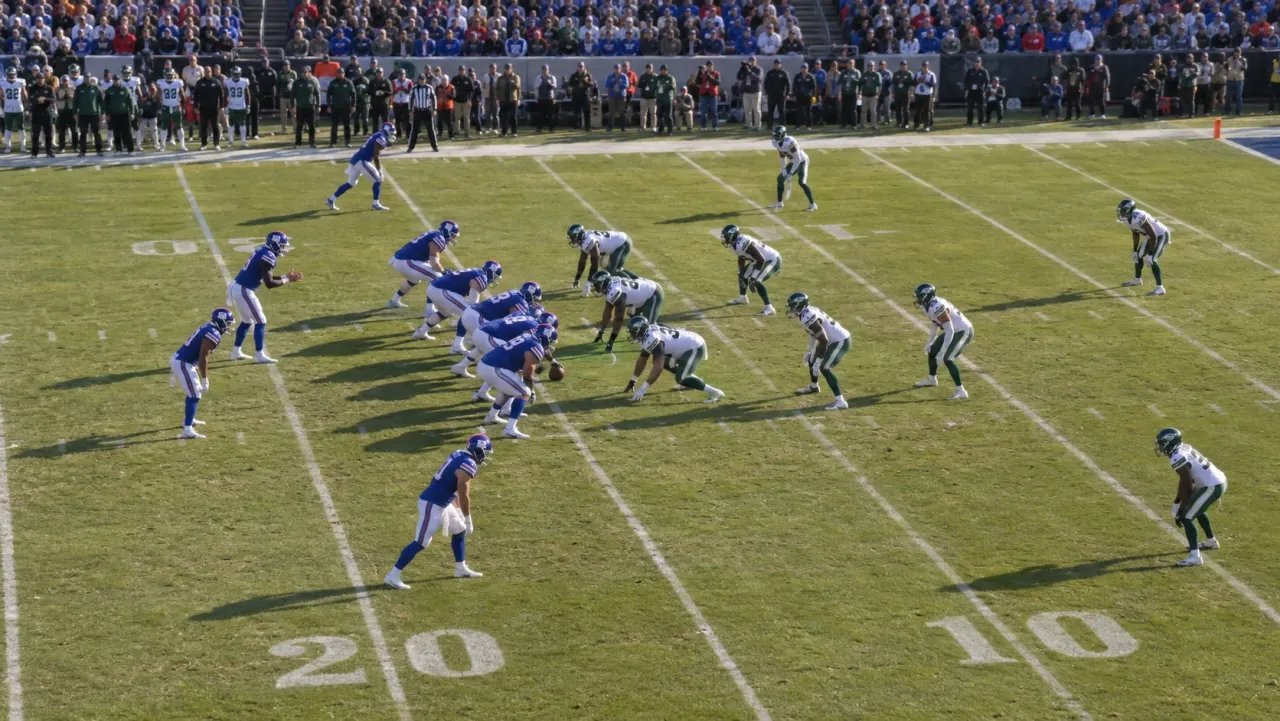


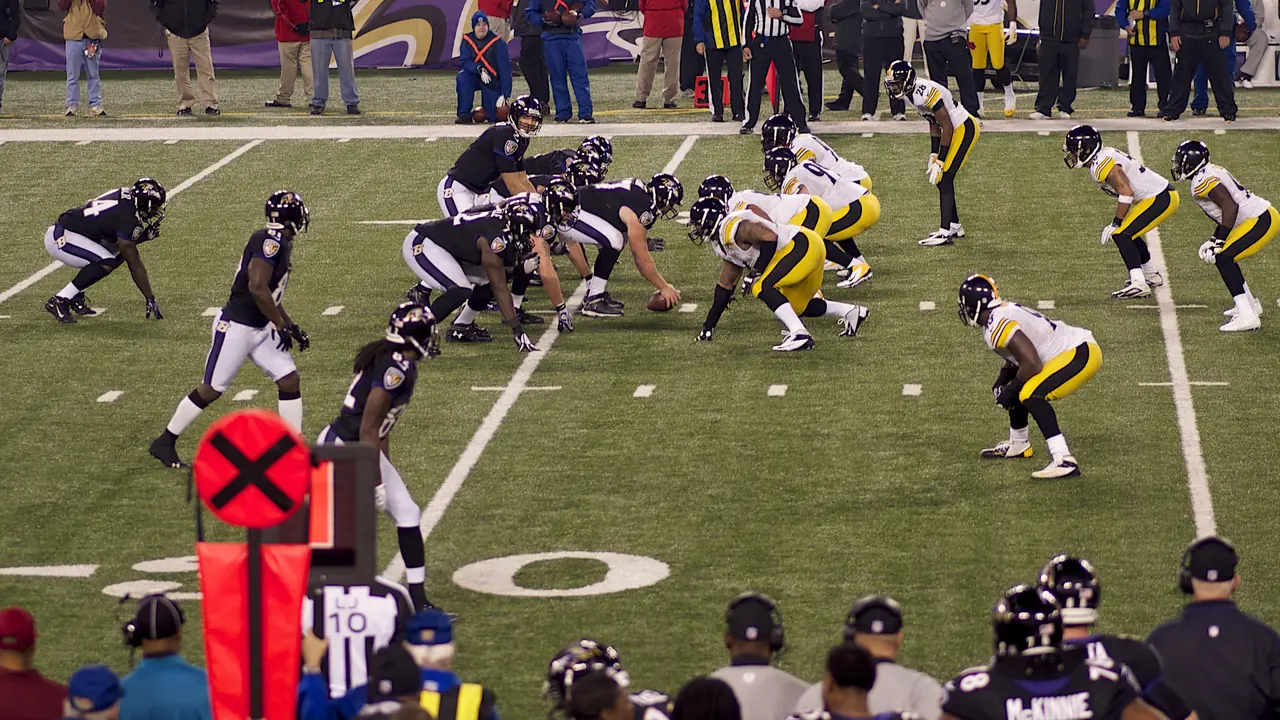


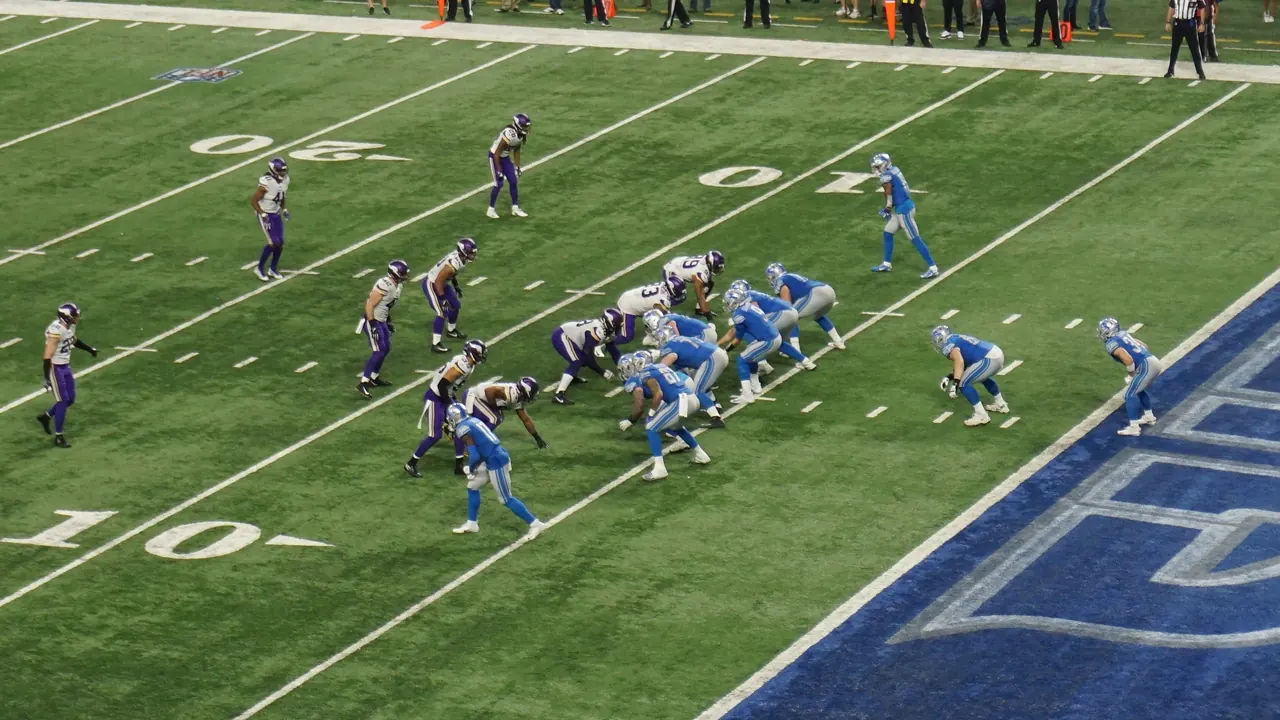



We watch every game, so you don't have to.
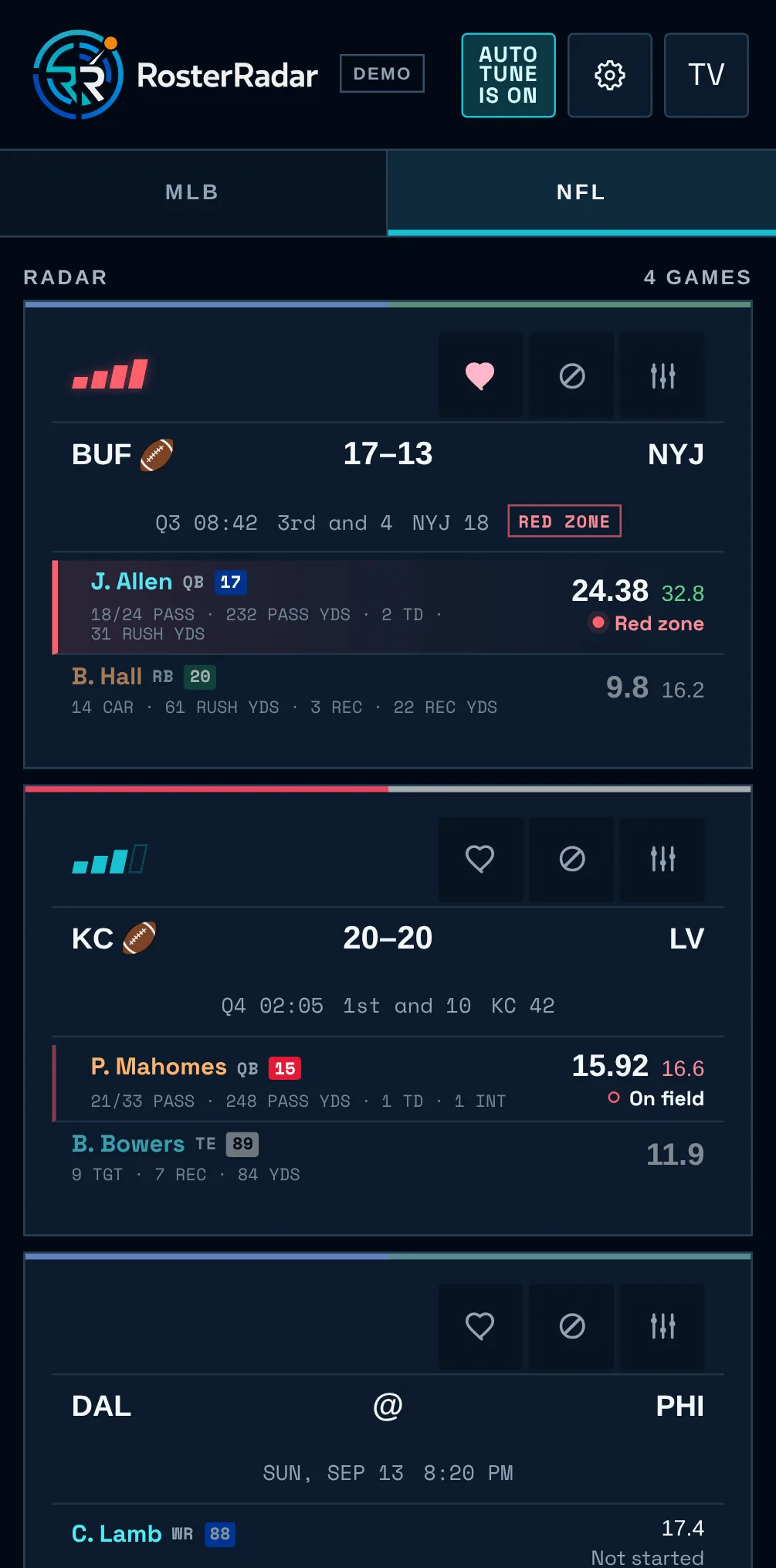
AutoTune keeps asking one question: which drive is most likely to score fantasy points for you right now? When the answer changes, so does your TV.
It ranks every live drive by how likely it is to score points for your players, and puts the best one on your TV.
Heart a game on your phone and AutoTune gives it extra weight.
When your game goes to break, it finds you one that's still playing.
A short cooldown after each switch keeps it from flipping back and forth.
When two drives matter about the same, it picks the more exciting one.
Every switch starts with a countdown. Cancel it from your phone or the TV remote.

Your phone is the remote.
Scan the code on the TV once and you're paired.
- PickJump to any game yourself.
- HeartTell it which games you care about most.
- PauseTurn AutoTune off. It stays off until you turn it back on.
What fantasy fans are saying.
Before Google TV, fantasy baseball players used RosterRadar as a Chrome extension for MLB.TV.
- ★★★★★
“This extension has completely changed how I watch baseball for fantasy, and now I can't live without it.”
Cole · Chrome review “I've used it nearly everyday since I found out about it. Better than stream finder and big inning.”
u/jeffwonderswhy (opens the comment on Reddit)- ★★★★★
“Works great for Fantrax leagues and the developer is rolling out new features based on community feedback.”
Mike · Chrome review “It has changed the way I interact with MLB.tv and my fantasy league.”
u/eliicious (opens the comment on Reddit)- ★★★★★
“Love this. Makes watching baseball and tracking my fantasy team infinitely more enjoyable!!”
Andrew · Chrome review - ★★★★★
“Terrific extension for the fantasy baseball nerd who wants to see all their players' at bats.”
Joey · Chrome review - ★★★★★
“This extension is awesome. Might be the best extension ever created.”
Philip · Chrome review “Absolutely love this extension, thank you so much for putting it out there.”
Discord comment“This is an awesome improvement to my fantasy life. I connect this to a TV to watch while I'm working.”
Discord comment“I am super-impressed by this extension and will be using it instead of stream finder going forward.”
Discord comment“Love this, well thought out and executed, cannot wait to see what you do with it!”
Fantasy baseball user“I've been using this app and wow it works great. You killed it.”
u/juhstin_ (opens the comment on Reddit)“I am really enjoying this... I appreciate the work that went into this.”
u/XwingAliciciousness (opens the comment on Reddit)“This is incredible and surprisingly easy to integrate/navigate. You are appreciated.”
u/Key-Ad3052 (opens the comment on Reddit)“Awesome experience. Exceeded my expectations on the first use.”
u/Better-Factor-8142 (opens the comment on Reddit)
Set it up once. Then just watch.
Connect your leagues
Link Sleeper and choose up to three football teams. Baseball leagues come from ESPN or Fantrax.
Pair your TV
Install RosterRadar on your Google TV, scan the code with your phone, and stay signed in to YouTube TV or DAZN on the TV.
Turn on AutoTune
RosterRadar follows the action and changes the game for you, with a countdown you can cancel from the couch.
The subscriptions and leagues you already have.
- YouTube TV
- NFL, U.S.
- DAZN
- NFL, Canada
- MLB.TV
- Baseball
- Sleeper
- Football
- ESPN, Fantrax
- Baseball
- Any other league
- Add your team by hand
- Google TV, Android TV
- Android 8 or later. Android 9 or later to open games in YouTube TV and DAZN
- Any phone
- For setup and as the remote
RosterRadar opens games in the streaming apps you subscribe to. It doesn't provide video. If a game is blacked out on your service, it opens the game on another service you subscribe to, like your local channels, or leaves it out. What's available varies by service, account, region and device.
Questions
Do I need a new subscription?
No. It uses the YouTube TV, DAZN or MLB.TV account you're already signed in to on the TV.
Will it switch away during a big play?
No. It leaves a game between plays or during a break, counts down first, and you can cancel any switch.
What does it need permission for?
With your consent, it uses Android Accessibility to open the right game in your streaming app and check that it's playing.
Is it free?
Yes. RosterRadar is free while it's in beta.
Is it on Google Play?
Not yet. Until it is, our install guide walks you through it. Setup takes about 10 minutes. After that, scan the QR code on your TV to set up your leagues on your phone.
How do I hear when it comes to more devices?
Join our Discord. We post there first when RosterRadar comes to a new TV or streaming device. You can also tell us which one you want next.